 StillsSpace
Frames · macOS · Windows · Linux
Add EXIF data to your film scans
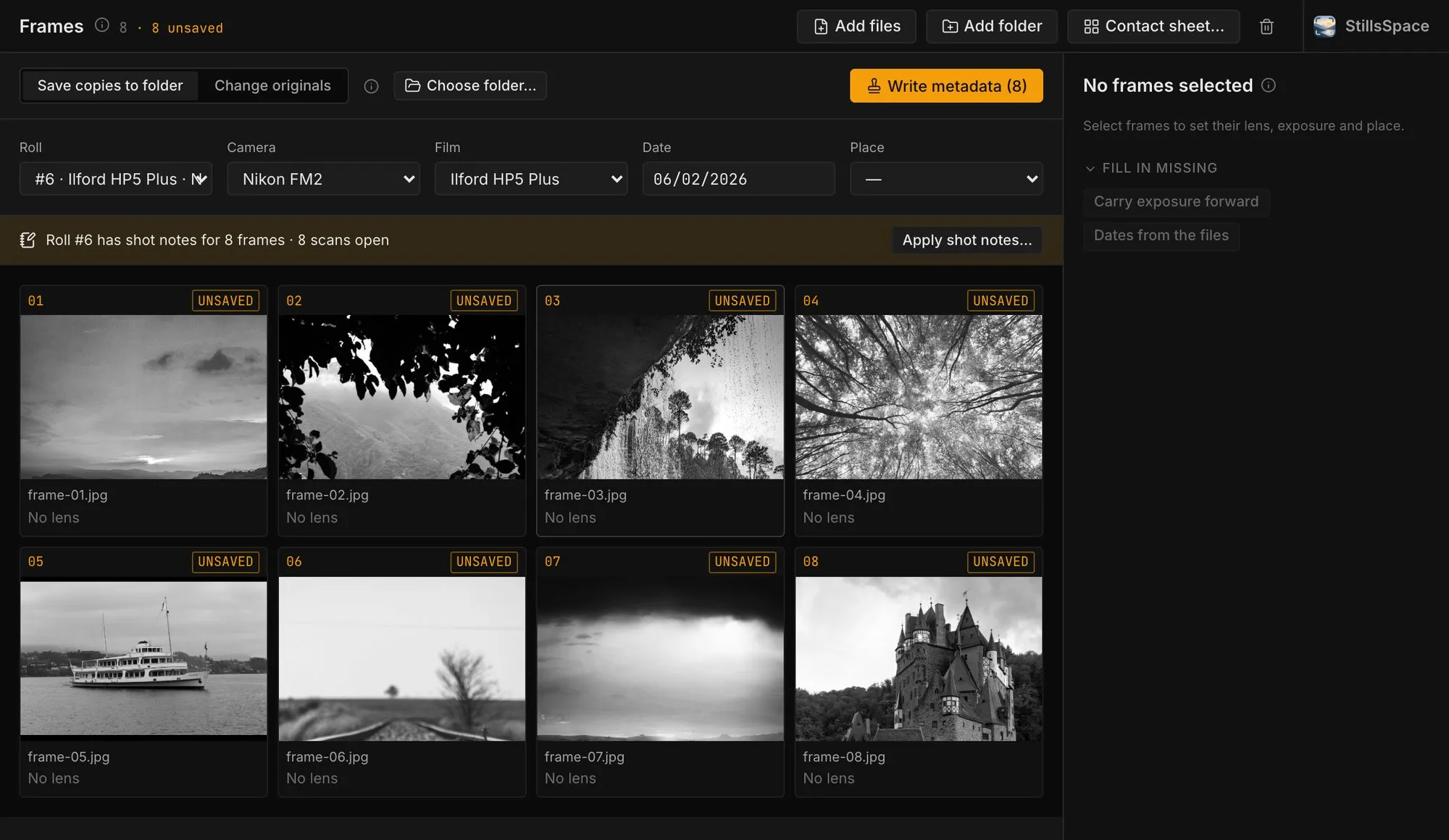
A scanner knows nothing about the camera you used. Frames shows a roll's scans as a contact sheet: set camera, film and date once, then lens and exposure per frame, and write it all into the files.
What Frames does
- Camera, film (ISO) and date set once per roll
- Lens, aperture, shutter speed and focal length per frame, for mixed-lens rolls
- Date and place per frame, with GPS from your saved places
- Writes Make, Model, LensMake, LensModel, FocalLength, FNumber, ExposureTime, ISO, DateTimeOriginal and a description with the film
- Keeps the EXIF already in the file and never re-encodes the image
- Apply the shot notes you took in Rolls; you choose which scan is frame 1
- Fill in missing fields by carrying exposure forward or taking dates from the files, with undo
- Save copies to a folder, or change the originals with a backup
- Export a contact sheet as a one-page PDF or JPEG